Phase 1 of 11
Hybrid Identity Review
Overview
What was built
For a hybrid user, the on-premises Active Directory domain controller is the source of authority. Core identity attributes such as name, department, and job title cannot be edited directly in the Entra admin center. Any change has to happen on-premises first and then sync over through Microsoft Entra Connect.
How it works
The walkthrough
Step 1 of 1
Verifying sync status and read-only attributes
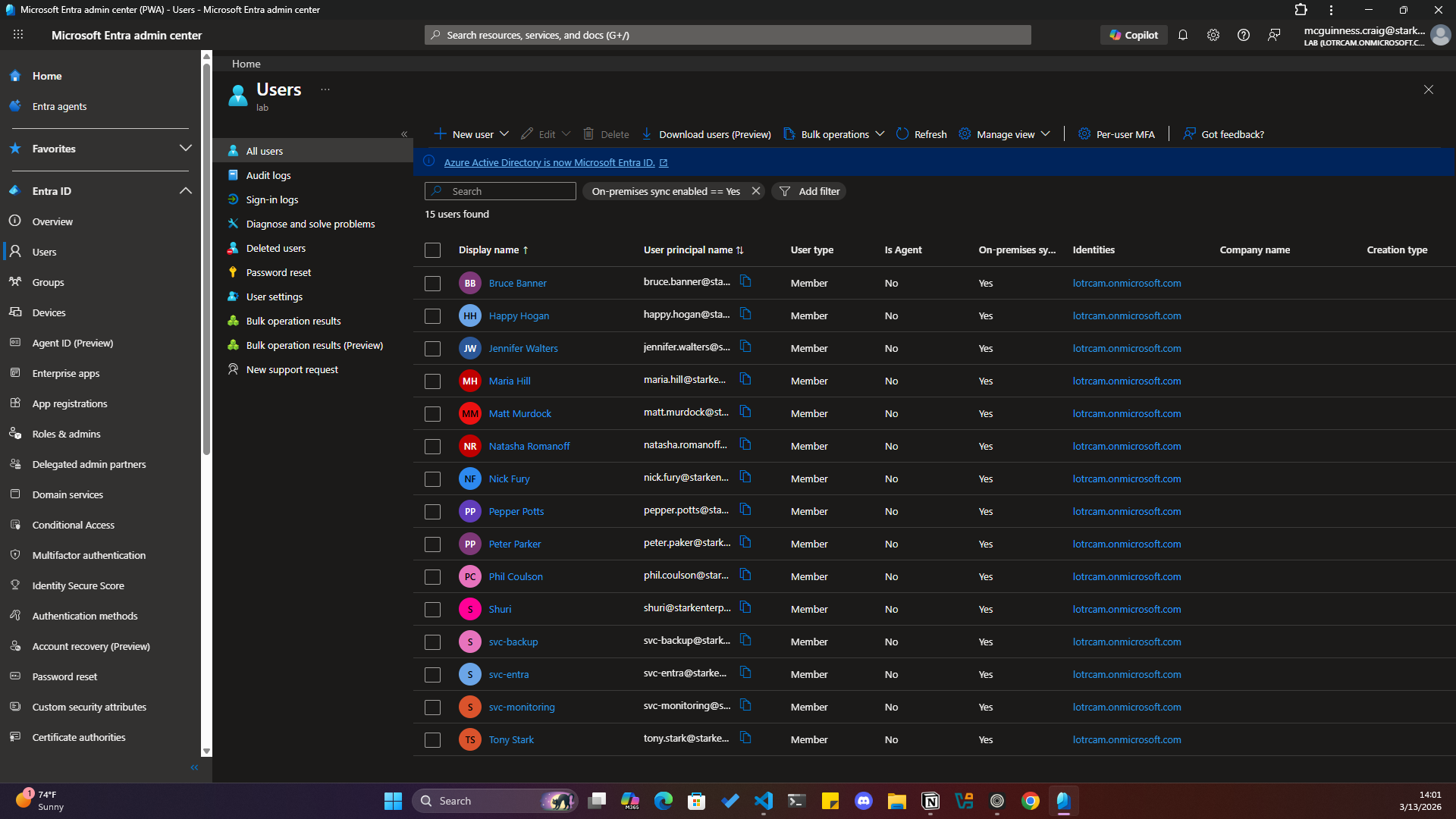
Checked every synced account under Identity, Users, All users, and confirmed On-premises sync enabled was set correctly for both service accounts and employee accounts.
Attempted to edit the Job Title and Department fields for a synced user, Tony Stark, directly in the Entra admin center. The portal blocked the edit and displayed a warning that the user is synchronized from local Active Directory, confirming the source of authority in practice, not just in theory.